Enterprise WiFi infrastructure is the coordinated system of wireless access points, network controllers, security services, and wired connections used to provide managed WiFi across an organization. Unlike a home network, which is generally designed for a small number of users and devices in one location, enterprise WiFi is built for broader coverage, higher client density, centralized administration, identity-based access, and continuity when equipment or connections fail. The distinction matters as organizations support phones, laptops, sensors, and guest devices: Cisco’s 2023 networking research reported that 60% of surveyed organizations were using or planning to use WiFi 6 or WiFi 6E, reflecting demand for greater capacity and newer wireless capabilities. The sections below explain enterprise architecture, security, capacity, and operations, then contrast those features with home networking.
Enterprise WiFi infrastructure architecture and scale
Enterprise WiFi infrastructure refers to the managed combination of wireless access points (APs), network management or controller systems, switches, authentication services, and back-end networks that deliver wireless access across a business or institution. The National Institute of Standards and Technology (NIST), in its guidance on wireless network security, treats wireless security as a system-wide concern involving not only radio encryption but also network design, configuration, monitoring, and access controls. Enterprise WiFi is therefore more than a powerful router: it is a planned service with policies and operational oversight.
Access points, controllers, and managed coverage
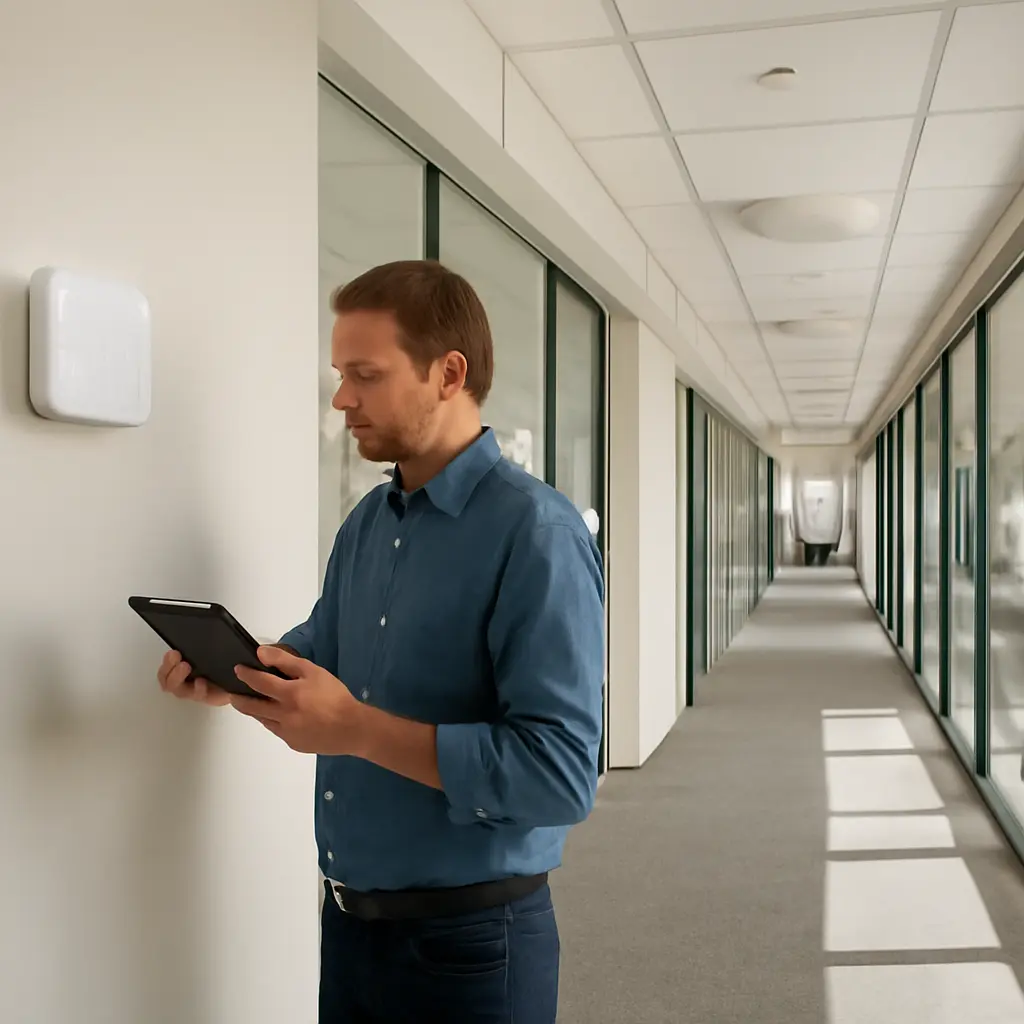
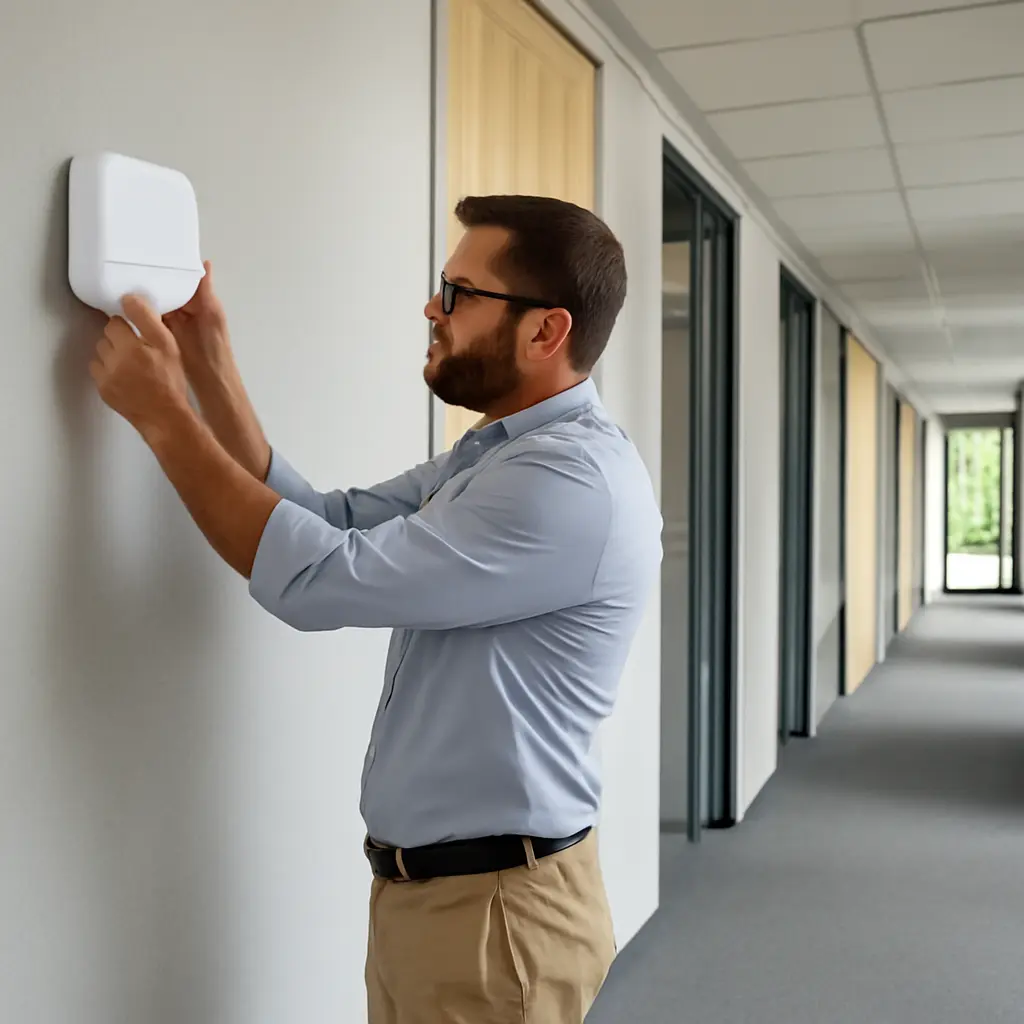
An access point connects wireless clients to the organization’s local network. In enterprise deployments, many APs work together under centralized or cloud-based management, allowing administrators to configure networks, apply updates, and review performance across multiple floors or sites. A home router typically combines the access point, routing, and management functions in one device; enterprise networks commonly separate these roles and connect APs to managed switches and network services.
Coverage is planned using building layouts, construction materials, expected users, and applications—not simply the router’s advertised range. Cisco’s enterprise wireless design guidance emphasizes site surveys and radio-frequency planning to manage coverage, interference, and capacity. For example, a university may deploy APs in lecture halls, libraries, residences, and outdoor areas, with different density requirements in each location. A chart of AP placement and expected client density can help illustrate why a single “maximum range” figure is not a reliable measure of service quality.
Capacity, WiFi generations, and client density
Enterprise capacity describes how well a network serves many devices and demanding applications at once. WiFi 6, standardized as IEEE 802.11ax, introduced technologies such as Orthogonal Frequency-Division Multiple Access (OFDMA) and improved multi-user transmission features to make airtime use more efficient in dense environments. WiFi 6E extends compatible WiFi 6 operation into the 6 GHz band where permitted, adding spectrum rather than guaranteeing a specific speed in every deployment.
Cisco’s 2023 Global Networking Trends research found that 60% of organizations surveyed were using or planning to use WiFi 6 or WiFi 6E. That figure indicates adoption interest, not a guarantee that all users will experience higher throughput: actual results depend on client support, channel planning, interference, wired backhaul, and the number of active devices. In contrast, a household may have many connected devices but usually has less need for coordinated capacity planning across high-density venues.
Enterprise WiFi infrastructure security and access control
Enterprise WiFi security is the set of identity, encryption, segmentation, and monitoring controls used to protect wireless access and the networks reachable through it. NIST Special Publication 800-153 describes WLAN security as requiring secure configuration and ongoing monitoring throughout the system lifecycle. This perspective differs from relying on one shared password: organizations need to distinguish employees, guests, contractors, and managed devices, while limiting what each can access.
Identity-based authentication and encryption
Many enterprise networks use IEEE 802.1X authentication with a RADIUS service to verify users or devices before granting network access. WPA2-Enterprise and WPA3-Enterprise use this general model, while individual credentials or certificates can make access easier to revoke when a person leaves or a device is lost. The Wi-Fi Alliance describes WPA3 as the current generation of WiFi security certification, including Enterprise options for organizational networks.
A home network commonly uses a pre-shared password shared among household members and visitors. That is convenient, but changing the password can require reconnecting every device, and a shared credential provides less individual accountability. For a business, per-user or per-device authentication supports more precise access decisions and audit trails. Strong authentication still depends on correct configuration, protected credentials, and compatible client devices.
Network segmentation and guest access
Segmentation separates traffic into networks or security zones so that a guest, personal device, or building sensor cannot automatically reach sensitive business systems. Enterprise WiFi may use virtual LANs, firewall policies, and access-control rules to separate employee, guest, voice, and Internet-of-Things traffic. Guest portals can provide terms of use or temporary credentials, but a portal alone is not a substitute for isolation from internal resources.
The same principle applies to home networks that support smart devices. The U.S. Federal Bureau of Investigation’s Internet Crime Complaint Center has advised consumers to secure internet-connected devices and routers; separating less-trusted devices from computers containing sensitive information can reduce exposure. Enterprise environments formalize this practice with centrally enforced policies and monitoring across many APs.
Enterprise WiFi infrastructure reliability and operations
Enterprise WiFi operations encompass monitoring, configuration management, troubleshooting, upgrades, and continuity planning. The objective is not merely to make a wireless signal available, but to deliver a predictable service that supports work and remains manageable as buildings, users, and applications change. Centralized tools can show AP health, client connection quality, interference, and authentication failures across a site or organization.
Roaming, redundancy, and service continuity
Roaming allows a wireless client to move between AP coverage areas while maintaining network access. Enterprise deployments coordinate AP settings and may use standards such as 802.11k, 802.11v, and 802.11r to assist discovery, transitions, or faster authentication when supported by clients. These features can be important for voice calls, mobile clinical workflows, and warehouse devices, but client behavior and configuration affect results.
Reliability also depends on what happens when a component fails. Organizations may use redundant switches, power supplies, internet links, controllers, and authentication services, together with backup configurations and documented recovery procedures. A home network may have a single router and internet connection, so a failure can interrupt service until someone restarts or replaces the device. Redundancy reduces risk but adds cost and does not eliminate outages.
Monitoring, lifecycle management, and support
Enterprise monitoring provides visibility into performance and security events, helping IT teams identify congested channels, failed APs, unusual authentication activity, or configuration drift. Lifecycle management includes firmware updates, hardware replacement, credential changes, and periodic reviews of coverage and access policies. NIST’s WLAN guidance stresses ongoing assessment because secure deployment is not a one-time task.
A practical example is a hospital: clinical devices, staff laptops, patient-facing guest access, and voice systems may require distinct policies and service priorities. A home network usually needs a simpler approach, but regular router updates, a strong unique administrator password, modern encryption, and guest access for visitors remain worthwhile. The appropriate design depends on the consequences of downtime, the sensitivity of data, and the number and type of connected devices.
Enterprise WiFi infrastructure compared with home networks
The central difference is operational scale and control. A home network prioritizes affordability and simple setup; enterprise infrastructure prioritizes consistent service across many users and locations, granular access, centralized management, and recovery planning. Enterprise equipment is not automatically more secure or faster: outcomes depend on sound design, maintenance, and configuration.
- Architecture: a home often uses one integrated router; an enterprise typically uses multiple managed APs with switching and centralized administration.
- Authentication: homes commonly use a shared password; enterprises often use per-user or per-device credentials and centralized authentication.
- Access: home devices may share one local network; enterprises commonly segment employees, guests, and device classes.
- Capacity: home service is designed around a household; enterprise radio planning accounts for client density, interference, and application demands.
- Operations: home troubleshooting is often informal; enterprise networks use monitoring, change control, support processes, and documented recovery plans.
For a small office, a well-designed system may use a handful of managed APs and business-grade authentication rather than the complexity of a campus network. Conversely, a large home with multiple floors may benefit from mesh or wired-backhaul APs, guest access, and a separate network for smart devices. The right choice follows the use case rather than the label “enterprise” or “home.”
Conclusion: choosing the right WiFi infrastructure
Enterprise WiFi infrastructure differs from home networking through coordinated architecture, planned capacity, identity-based security, segmentation, and ongoing operations. Standards such as WiFi 6 improve how networks can serve dense environments, while NIST guidance underlines that security depends on lifecycle management—not encryption alone. Cisco’s reported 60% organizational use or planned use of WiFi 6 or WiFi 6E illustrates the continuing investment in wireless capacity.
Organizations should assess client density, coverage, application needs, data sensitivity, and acceptable downtime before selecting equipment or services. Home users can adopt several enterprise-inspired practices—current firmware, strong unique credentials, guest access, and separation of less-trusted devices—without building a complex corporate network. For further guidance, consult NIST WLAN security recommendations and the Wi-Fi Alliance’s security and certification resources.
Sources: National Institute of Standards and Technology, Guidelines for Securing Wireless Local Area Networks (WLANs), Special Publication 800-153, https://csrc.nist.gov/pubs/sp/800/153/final; Cisco, Global Networking Trends Report, 2023, https://www.cisco.com/c/en/us/solutions/enterprise-networks/global-networking-trends.html; Cisco, Enterprise Wireless Design Guide, https://www.cisco.com/c/en/us/solutions/enterprise/design-zone-campus/wireless.html; Wi-Fi Alliance, WPA3 Security, https://www.wi-fi.org/discover-wi-fi/security; Federal Bureau of Investigation, Internet Crime Complaint Center, https://www.ic3.gov/