Wireless security systems use radio links, Wi-Fi, cellular networks, or a combination of these technologies to connect sensors, cameras, control panels, and monitoring services without requiring every device to be joined by a cable. Ditching the cables has made security easier to install, expand, and manage—especially in homes and buildings where wiring is difficult—while battery-powered sensors and cellular backup can keep protection working through some power or internet outages. The trade-off is that wireless systems depend on batteries, radio coverage, and cybersecurity. Data from the U.S. Energy Information Administration show that 95% of U.S. households had internet access in 2022, helping create a foundation for connected security, but internet availability alone does not guarantee a dependable or secure alarm system.
Wireless security systems improve installation flexibility and connectivity
A wireless security system is a collection of security devices that communicate without dedicated signal cables between every component. The National Institute of Standards and Technology (NIST) describes the Internet of Things broadly as interconnected devices that interact with the physical world through sensing and communication; smart security systems are one practical example. Wireless does not necessarily mean wire-free: cameras and panels may still need power cables, and some systems retain wired connections for reliability.
The main categories include wireless intrusion alarms, video surveillance systems, access-control systems, and integrated smart-home security. Their common advantage is flexible placement: installers can add a door sensor or camera without routing a signal cable through walls. That can reduce disruption in existing buildings and make changes easier as a household or business evolves. The next consideration is how the separate wireless links work together.
Wireless sensors and alarm communication
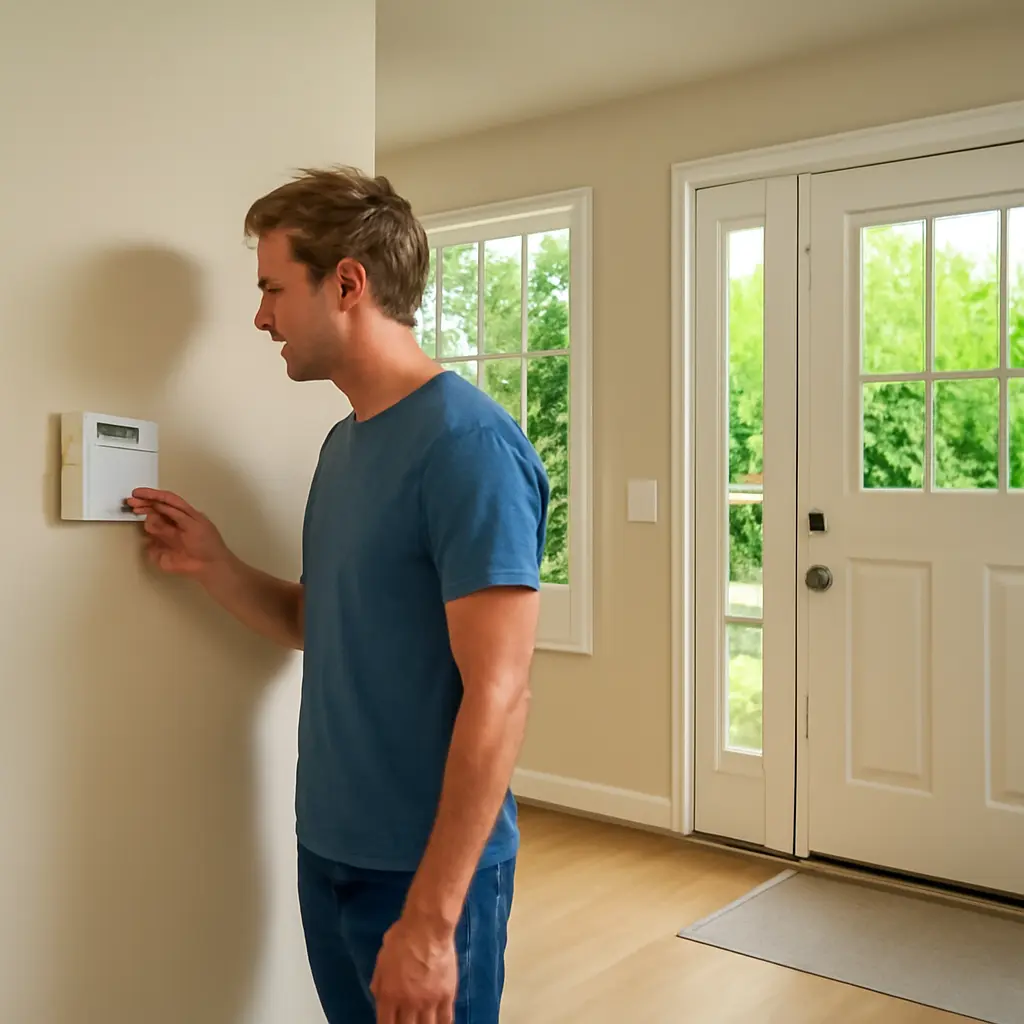
Wireless sensors detect events such as a door opening, glass breaking, motion, or smoke, then send a signal to a control panel over a radio connection. The panel interprets the event and may sound a siren, notify an app, or contact a monitoring service. Depending on the product, devices communicate over a proprietary radio protocol, Wi-Fi, or another short-range standard. Battery-operated sensors can be placed where wiring would be inconvenient, but batteries must be checked and replaced according to the manufacturer’s instructions.
Radio range is affected by distance, building materials, interference, and device placement. A basement panel may not reliably reach a sensor on another floor, for example. A site survey and a test of every sensor after installation help reveal weak spots before they matter.
Cameras, Wi-Fi, and cellular backup
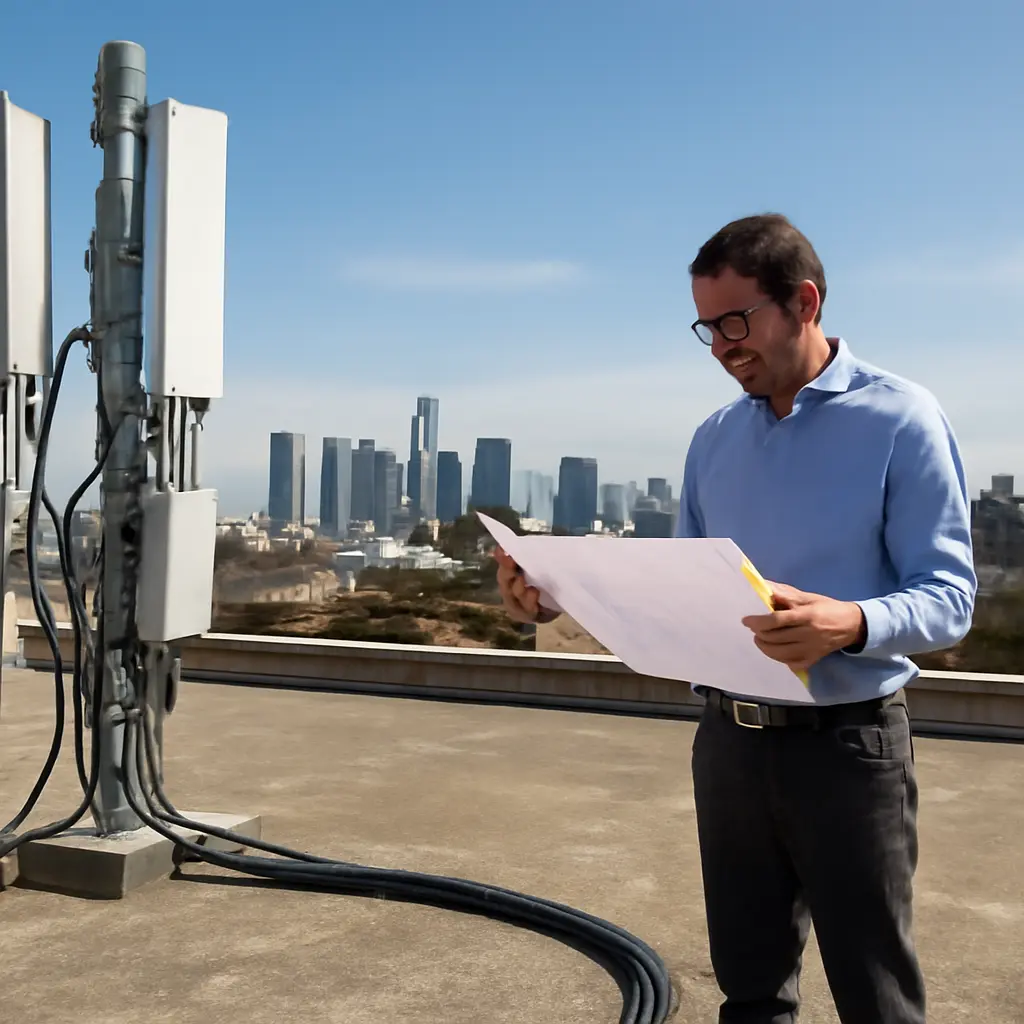
Wireless cameras commonly send video through a home or business network, while alarm panels may use cellular service to report events if broadband fails. These connections solve different problems: Wi-Fi carries data locally and often supports video streaming, whereas cellular backup can provide an alternate route for alarm signals. A system advertised as wireless may still depend on a router, mains power, cloud services, or a paid cellular plan.
The Federal Communications Commission’s Broadband Data Collection maps broadband availability across the United States, but a map does not establish the quality of service inside a particular building. Before choosing cameras, check the actual upload capacity and wireless coverage at the proposed locations. Video can require substantially more bandwidth than brief sensor alerts, particularly when several cameras stream or record at once.
Wireless security systems trade cabling constraints for new risks
Wireless security systems remove many physical installation barriers, but they also introduce dependencies on radio links, batteries, network equipment, and software. NIST’s guidance for IoT device manufacturers emphasizes security capabilities such as protecting device data, controlling access, and supporting secure updates. These principles matter for security equipment because a poorly protected camera or control panel can expose private information or weaken the system it is meant to protect.
The relevant system types can be grouped by their main failure points: battery-powered sensors need power management; networked devices need cybersecurity and dependable connectivity; and monitored alarms need a resilient path to the monitoring center. Understanding those differences turns “wireless” from a marketing label into a set of practical design choices.
Battery life and outage resilience
Battery-powered devices can continue sensing during a mains-power outage, but the control panel, router, and modem may not. A system’s outage resilience therefore depends on its complete chain of components, not just its sensors. Some panels include backup batteries, and some use cellular reporting as a fallback; both features should be checked in the product specifications and tested periodically.
The U.S. Fire Administration advises people to test smoke alarms regularly and replace batteries as needed, illustrating a broader rule for safety devices: backup power only helps when it is maintained. Create a replacement schedule, respond promptly to low-battery alerts, and test the system after changing batteries or moving equipment.
Cybersecurity and privacy
Cybersecurity for connected security devices means preventing unauthorized access, protecting data, and keeping device software current. The Federal Trade Commission recommends changing default passwords, using strong unique credentials, and installing updates for connected devices. Where available, enable multifactor authentication, secure the home router, and limit account access to people who need it.
Privacy also depends on camera placement, account permissions, cloud-storage settings, and retention periods. The National Cybersecurity Alliance advises consumers to understand what information connected devices collect and how it is used. For homes and businesses, review who can view live footage, download recordings, or receive alerts, and remove access when it is no longer needed.
Installation, coverage, and monitoring choices
Wireless systems are often easier to install than fully wired ones, but good placement still takes planning. Sensors should cover likely entry points, cameras should provide useful views without unnecessarily recording private spaces, and the control panel should remain within reliable range. For a larger property, a professional can assess radio coverage and identify where repeaters or wired components would improve reliability.
Monitoring is another design choice. Self-monitored systems send alerts to the owner, while professionally monitored systems route alarms to a service that may contact responders according to the customer’s plan and local procedures. Neither option eliminates the need to maintain devices and keep emergency contact information current.
Wireless security systems work best when designed as a complete system
Wireless security systems became more adaptable by replacing many fixed signal cables with radio, Wi-Fi, and cellular connections. That flexibility can simplify installation, support expansion, and allow battery-powered sensors to operate in places that would be difficult to wire. At the same time, dependable protection requires attention to signal coverage, battery maintenance, backup power, software updates, and privacy settings.
Before buying, map the areas that need protection, verify network and cellular coverage, compare backup options, and check how the manufacturer handles updates and account security. Then test the system after installation and on a regular schedule. Wireless technology makes security more flexible; careful planning makes that flexibility dependable.
Sources: U.S. Energy Information Administration, “Nearly all U.S. households have access to the internet,” https://www.eia.gov/todayinenergy/detail.php?id=61483; National Institute of Standards and Technology, “Internet of Things (IoT),” https://www.nist.gov/internet-things-iot; National Institute of Standards and Technology, NISTIR 8259A, “IoT Device Cybersecurity Capability Core Baseline,” https://csrc.nist.gov/pubs/ir/8259/a/final; Federal Communications Commission, “Broadband Data Collection,” https://www.fcc.gov/BroadbandData; U.S. Fire Administration, “Smoke Alarms,” https://www.usfa.fema.gov/prevention/home-fires/prepare-for-fire/smoke-alarms/; Federal Trade Commission, “How To Secure Your Home Wi-Fi Network,” https://consumer.ftc.gov/articles/how-secure-your-home-wi-fi-network; National Cybersecurity Alliance, “Internet of Things,” https://staysafeonline.org/resources/internet-of-things/.