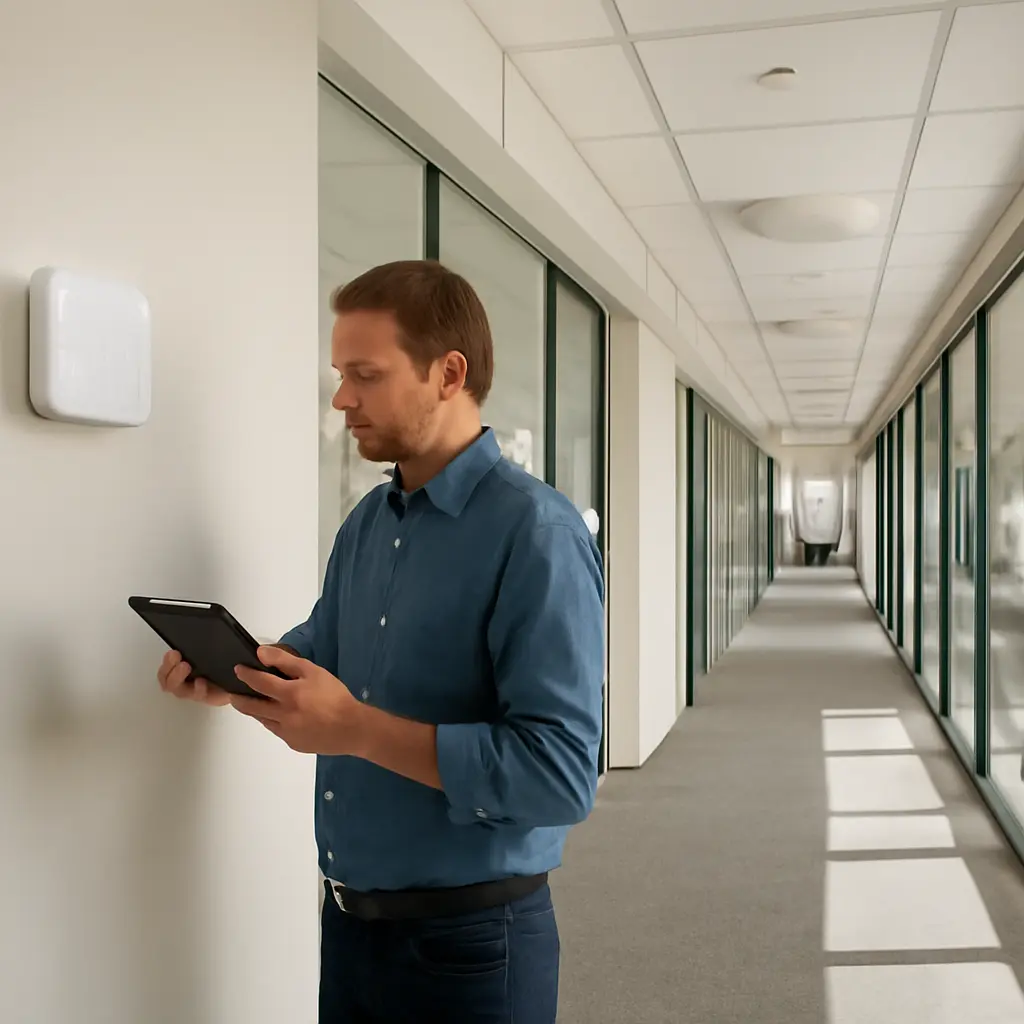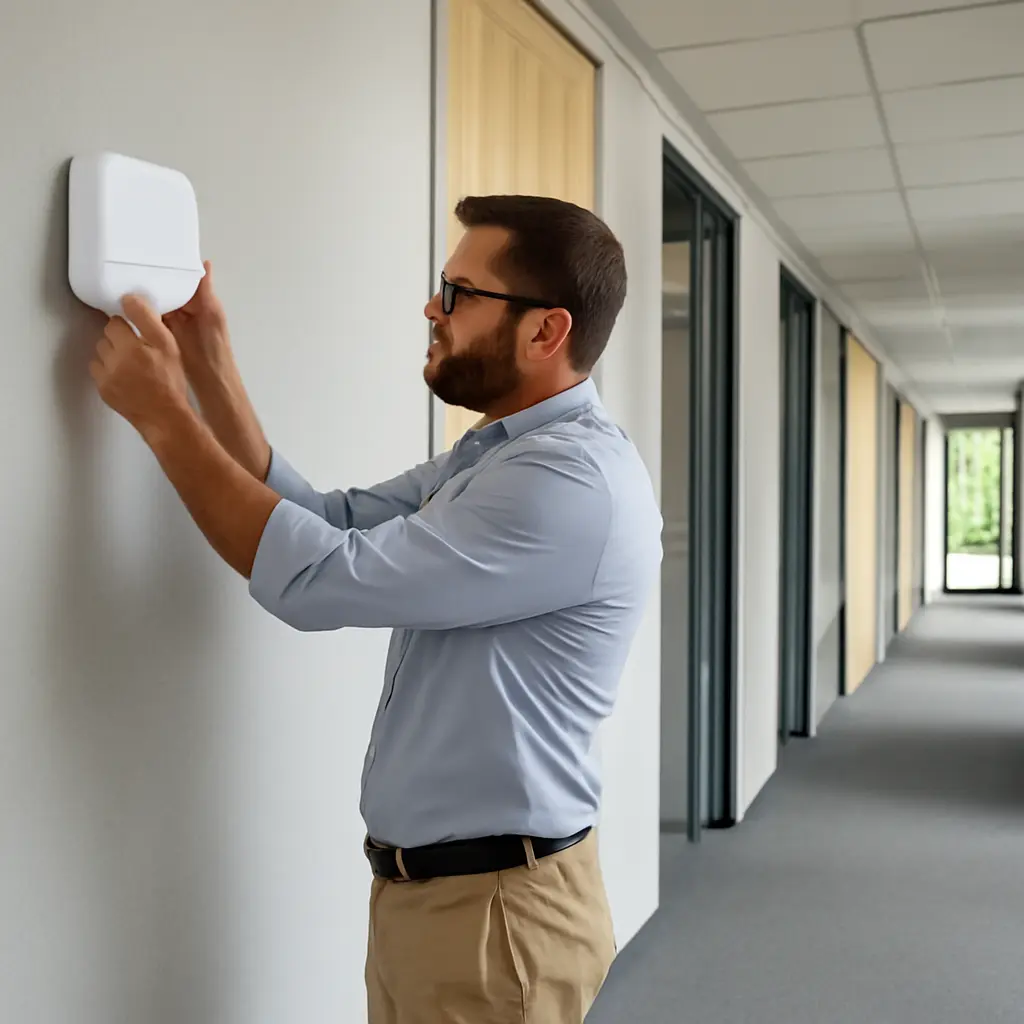
Wireless networking is the use of radio signals to connect devices to a network without a physical cable at each connection point. For most business users, it has become the primary way to access workplace applications and services because Wi‑Fi supports mobility, flexible workspaces, and rapid device onboarding while modern standards offer substantially higher capacity than earlier generations. Wireless is not replacing every cable: wired Ethernet and fiber remain important for network backbones, servers, and some high-performance endpoints. The shift is instead toward wireless as the everyday user-access network, driven by widespread laptop and smartphone use, hybrid work, and improved Wi‑Fi performance and security.
Wireless Network Access as the Primary Business Connection
A business wireless network connects users’ devices to organizational resources through access points, which use radio frequencies to communicate with client devices and a wired network. Cisco’s Wi‑Fi 6 overview describes Wi‑Fi 6, based on IEEE 802.11ax, as a generation designed to improve performance in environments with many connected devices. “Primary” in this context means the usual connection for employees’ phones, tablets, and laptops—not the only network technology in an organization.
The distinction matters because business networks are typically hybrid. Wireless access points usually connect back to switches over Ethernet, while switches and routers link to data centers, cloud services, and the internet. Wireless carries much of the user-facing traffic; cables provide dependable capacity for infrastructure and devices that benefit from fixed connections.
Wi‑Fi as the everyday access layer
Wi‑Fi is a family of wireless local-area networking technologies standardized under IEEE 802.11. In offices, it lets users move between rooms while remaining connected, and it can serve employees, guests, and approved business devices through separate network access policies. Wi‑Fi 6 and Wi‑Fi 6E add features intended to make busy networks more efficient; Wi‑Fi 6E also extends compatible devices into the 6 GHz band, where spectrum availability and local regulation permit.
The Wi‑Fi Alliance identifies Wi‑Fi 6 as supporting technologies such as orthogonal frequency-division multiple access (OFDMA) and multi-user MIMO. These features help access points coordinate communications with multiple devices, particularly in dense settings. Actual speed and reliability still depend on access-point placement, interference, client capabilities, building materials, and network configuration.
Mobile broadband for work beyond the office
Mobile broadband, including 4G LTE and 5G, provides network access through cellular infrastructure rather than a company’s local Wi‑Fi access points. It is useful for field staff, travel, backup connectivity, and locations where fixed broadband is unavailable or slow to install. In practice, cellular service often complements workplace Wi‑Fi instead of displacing it: coverage, data plans, indoor signal, and carrier performance vary by location.
These access types illustrate why wireless has become the default for people while wired links remain essential behind the scenes. The next major reason is that wireless access fits the way work is now organized.
Workplace Mobility and Hybrid Work Make Wireless the Practical Default
Wireless access aligns network connectivity with employees who move among desks, meeting rooms, shared work areas, and remote locations. A user can join a video call from a conference room, consult documents on a tablet while collaborating with colleagues, or connect a laptop without waiting for a network port to be installed. This flexibility is especially valuable in offices that regularly change layouts or use shared desks.
Hybrid work has reinforced the importance of portable devices and access from multiple locations. The U.S. Bureau of Labor Statistics reported that 22.9% of employed people teleworked or worked at home for pay in 2024, based on its American Time Use Survey. That figure does not measure business Wi‑Fi adoption directly, but it reflects a work pattern in which employees need reliable connectivity across both workplace and home environments.
Device choice and employee mobility
Wireless networks accommodate laptops, smartphones, tablets, scanners, and other devices that are designed to move or lack Ethernet ports. This supports bring-your-own-device arrangements and mobile workflows, provided organizations manage identity, endpoint security, and access permissions. For employees, fewer physical connection steps can make it easier to move between workspaces and continue using cloud-based applications.
Mobility also changes how organizations plan office space. Instead of providing a dedicated network outlet at every seat, IT teams can design coverage around user density, meeting spaces, and application needs. That can simplify reconfiguration, although a wireless design still requires a site survey and sufficient access-point capacity.
Cloud applications and collaboration
Email, collaboration suites, customer-management systems, and many business applications are accessed through the internet or private cloud connections. Wireless gives users a convenient path to these services from varied locations. Microsoft’s Work Trend Index has documented the scale of digital collaboration and meeting activity in Microsoft 365 environments; such platform data are not a universal measure of all businesses, but they illustrate why continuous access to online tools has become central to daily work.
The practical benefit depends on more than radio coverage. Video calls and cloud applications also require adequate internet capacity, low enough latency, effective traffic management, and resilient identity services. As wireless becomes the usual user connection, organizations must engineer it as core infrastructure rather than a convenience layer.
Wi‑Fi Performance and Capacity Have Improved
Modern Wi‑Fi standards have improved throughput, spectrum use, and service in crowded environments, making wireless suitable for many workloads that once strongly favored a cable. The Institute of Electrical and Electronics Engineers’ 802.11ax standard, marketed as Wi‑Fi 6, introduced mechanisms such as OFDMA and improved multi-user operation. Wi‑Fi 6E extends those capabilities to the 6 GHz band for compatible equipment, while Wi‑Fi 7, based on IEEE 802.11be, adds features including wider channels and multi-link operation.
Advertised maximum rates are theoretical and should not be treated as expected user speeds. Real performance depends on the number of active devices, distance from an access point, interference, available spectrum, and the capacity of the wired connection feeding the access point. Network design and monitoring therefore matter as much as the headline standard.
More efficient service for dense environments
OFDMA divides a channel into smaller resource units so an access point can communicate with multiple compatible devices in a coordinated way. This can reduce contention and improve efficiency when many users generate small bursts of traffic. Multi-user MIMO allows an access point to communicate with several devices simultaneously under suitable conditions. Together, these techniques help offices, classrooms, hospitals, and event spaces handle dense client populations more effectively than older Wi‑Fi designs.
These improvements do not remove the need for careful channel planning. Neighboring networks, construction materials, and devices that create radio interference can still affect service. Organizations commonly use wireless surveys and performance monitoring to identify weak coverage and congested areas.
Capacity planning and measurable service quality
A useful wireless design begins with user density and application requirements rather than a simple count of access points. IT teams assess coverage, concurrent clients, throughput, roaming behavior, latency-sensitive applications, and backup capacity. They may also define service targets for meeting rooms, production areas, and guest networks, then compare measurements against those targets over time.
Wireless can deliver high performance, but a cable remains preferable for some fixed endpoints that need predictable bandwidth, low latency, or power delivery. As a result, many business networks use Wi‑Fi for people and mobile devices while reserving Ethernet for access points, desktop workstations, printers, servers, and specialized equipment.
Wireless Economics and Faster Workplace Changes
Wireless can reduce the need to install or relocate a dedicated data outlet for every user position. This can make office moves, temporary work areas, and shared-space arrangements easier to implement. The U.S. General Services Administration’s workplace guidance has emphasized flexible work environments and shared spaces across federal workplaces; the exact savings from wireless depend on building conditions, labor costs, hardware, and the quality of the network design.
Wireless is not automatically cheaper. Access points, controllers or cloud management, cabling to those access points, surveys, security tools, and ongoing support all carry costs. A lifecycle comparison should include installation, maintenance, downtime risk, and the cost of accommodating future changes—not just the price of Ethernet cabling.
Simpler moves, adds, and changes
When teams relocate or an organization changes its floor plan, wireless coverage can often be adjusted without installing a new cable at each desk. Reusable access points and centrally managed configurations can help IT teams make changes more consistently across sites. This is particularly useful for temporary project rooms, training areas, and offices with rotating attendance.
The advantage is greatest when wireless is planned as an engineered service. Poor placement or insufficient capacity can create slowdowns that erase the operational benefit, so organizations should validate coverage after construction changes and monitor usage as occupancy evolves.
A practical example: the flexible office
Consider an organization moving from assigned desks to a flexible office with shared workstations and reservable meeting rooms. Employees can connect laptops and phones over managed Wi‑Fi as they move through the space, while Ethernet remains available for access points, fixed conferencing equipment, and other devices that need a stable wired connection. The example shows the typical pattern: wireless simplifies user access, while wired infrastructure sustains the network underneath it.
Security and Resilience Determine Whether Wireless Works Well
A wireless signal can extend beyond a building’s walls, so wireless security must be treated as a core part of network security. The National Institute of Standards and Technology’s guidance on wireless network security recommends risk-based measures such as strong authentication, encryption, secure configuration, monitoring, and lifecycle management. Current Wi‑Fi security options include WPA3, while organizations may also use enterprise authentication integrated with identity systems.
Wireless availability also depends on power, access-point health, network backhaul, internet service, and management systems. Redundant links, tested failover, software updates, and monitoring help reduce the impact of equipment failure or service disruption.
Identity, encryption, and network segmentation
Business Wi‑Fi should distinguish authorized users and devices rather than rely on a shared password for every purpose. Enterprise authentication can connect access decisions to employee identity, while segmentation separates business systems, guest traffic, and connected devices such as sensors. Encryption protects traffic over the radio link, but it does not replace endpoint protection, secure application design, or access controls once a device joins the network.
The Cybersecurity and Infrastructure Security Agency advises organizations to use secure wireless configurations and maintain strong authentication practices. In operational terms, that means changing default settings, limiting unnecessary access, keeping infrastructure updated, and reviewing who and what is connected.
Resilience through hybrid network design
Wireless should not be a single point of failure. Organizations can improve resilience by designing overlapping coverage where appropriate, maintaining backup power for key network equipment, providing redundant uplinks, and documenting recovery procedures. Critical fixed systems may use wired connections or cellular backup where continuity requirements justify the additional cost.
This leads to a balanced conclusion: wireless is primary for many users because it is mobile and increasingly capable, but a robust business network combines wireless access with wired infrastructure and tested security controls.
Conclusion: Wireless Is the User Default, Not the Whole Network
Wireless networking has become the primary connection for many business users because it supports mobile devices, hybrid work, cloud applications, and flexible workplaces. Wi‑Fi 6 and newer generations improve capacity and efficiency, while cellular broadband extends connectivity beyond office coverage. At the same time, wireless performance depends on sound capacity planning, security, and resilience, and Ethernet and fiber remain vital for backhaul and fixed high-demand equipment.
Organizations should assess their user density, applications, coverage, and continuity requirements before treating wireless as a simple substitute for cabling. Review access-point placement, identity and segmentation policies, backup arrangements, and real-world performance measurements. For further guidance, consult NIST wireless security recommendations and the Wi‑Fi Alliance’s material on current Wi‑Fi generations.
Sources: U.S. Bureau of Labor Statistics, “American Time Use Survey — 2024 Results,” https://www.bls.gov/news.release/atus.nr0.htm; Cisco, “What Is Wi‑Fi 6?,” https://www.cisco.com/c/en/us/products/wireless/what-is-wi-fi-6.html; Wi‑Fi Alliance, “Wi‑Fi CERTIFIED 6,” https://www.wi-fi.org/discover-wi-fi/wi-fi-certified-6; Institute of Electrical and Electronics Engineers, IEEE 802.11ax-2021, https://standards.ieee.org/ieee/802.11ax/7180/; Institute of Electrical and Electronics Engineers, IEEE 802.11be-2024, https://standards.ieee.org/ieee/802.11be/7516/; Microsoft, “2024 Work Trend Index Annual Report,” https://www.microsoft.com/en-us/worklab/work-trend-index/2024/; U.S. General Services Administration, “Workplace,” https://www.gsa.gov/real-estate/workplace; National Institute of Standards and Technology, Special Publication 800-153, “Guidelines for Securing Wireless Local Area Networks (WLANs),” https://csrc.nist.gov/pubs/sp/800/153/final; Cybersecurity and Infrastructure Security Agency, “Secure Your Wireless Network,” https://www.cisa.gov/news-events/news/secure-your-wireless-network