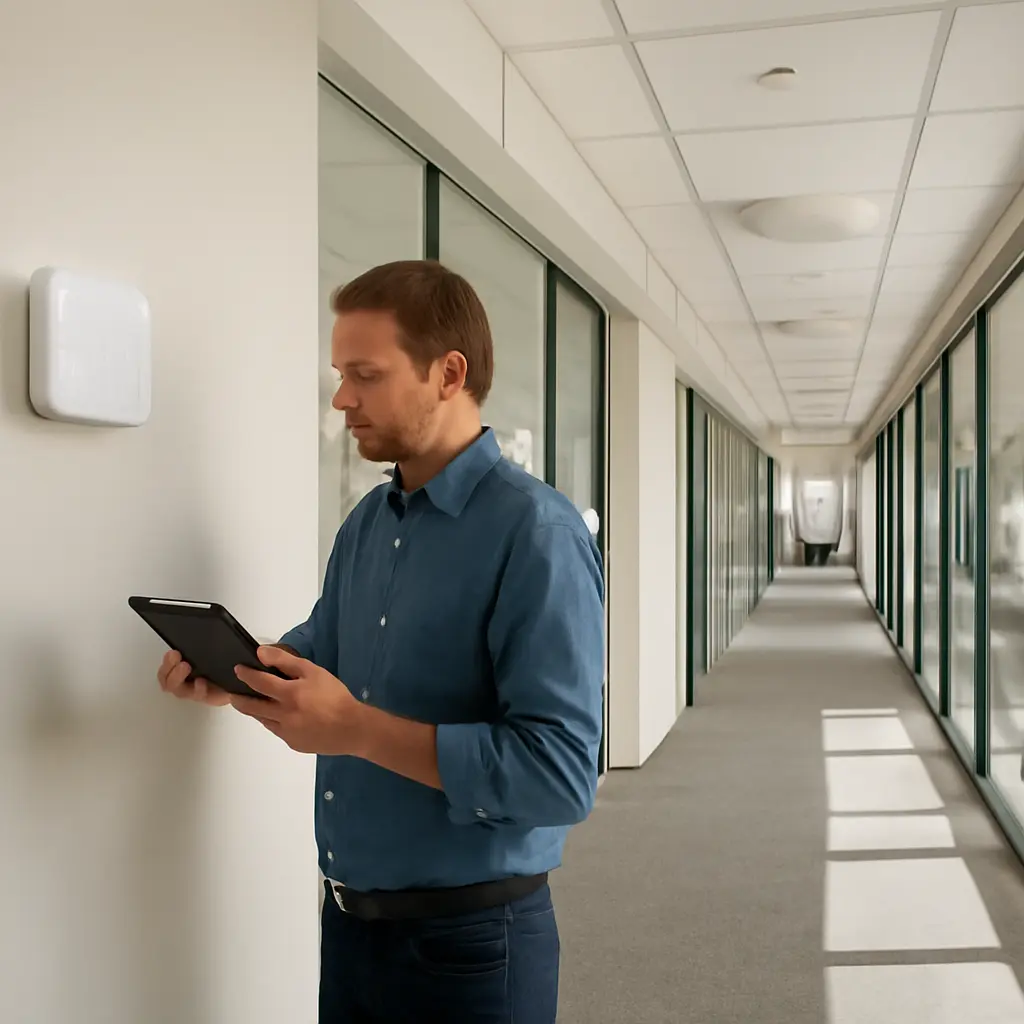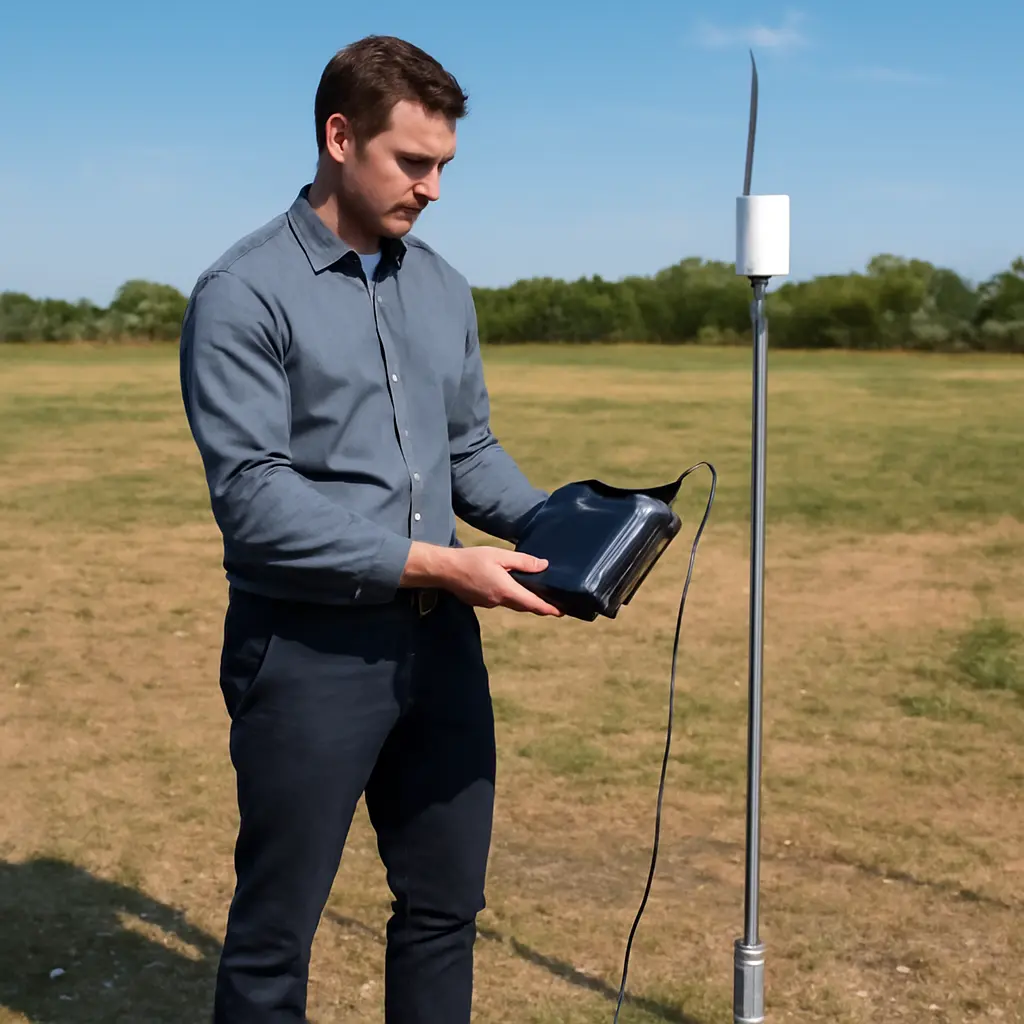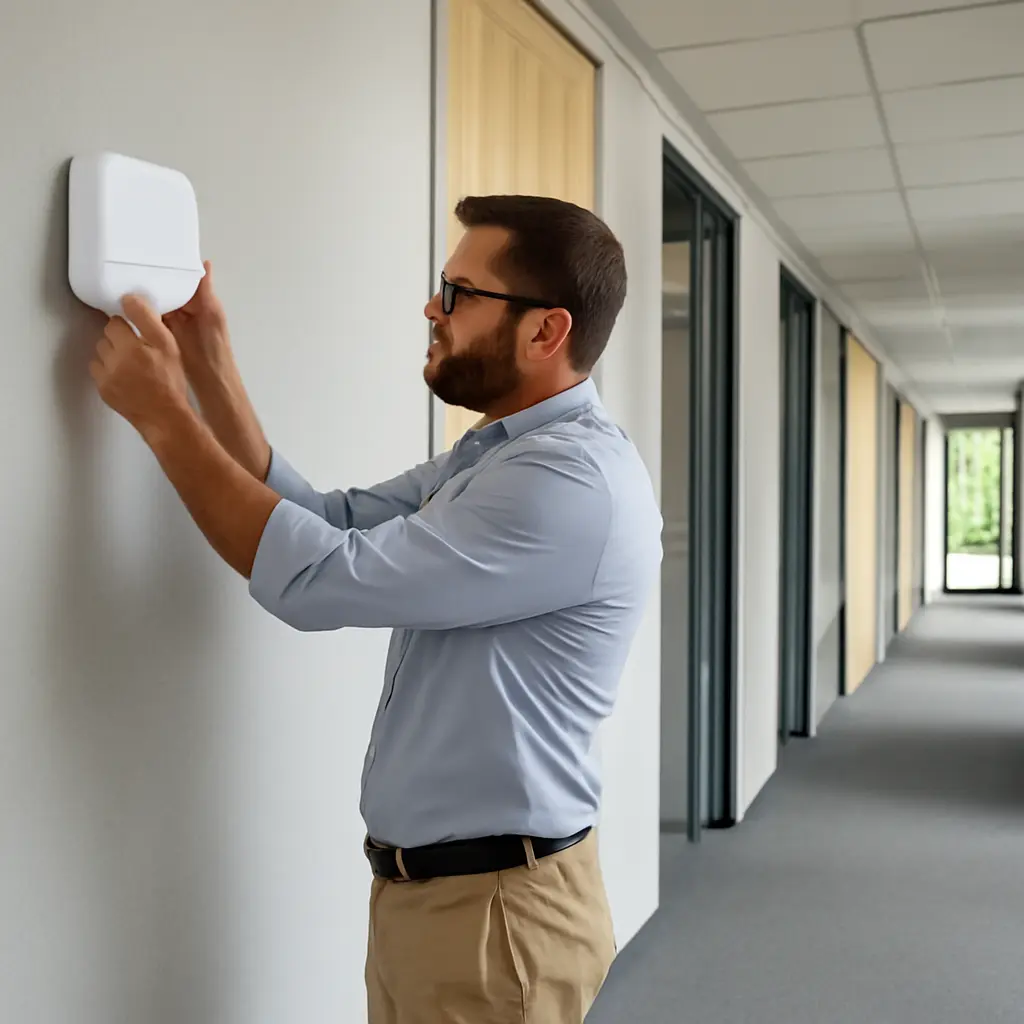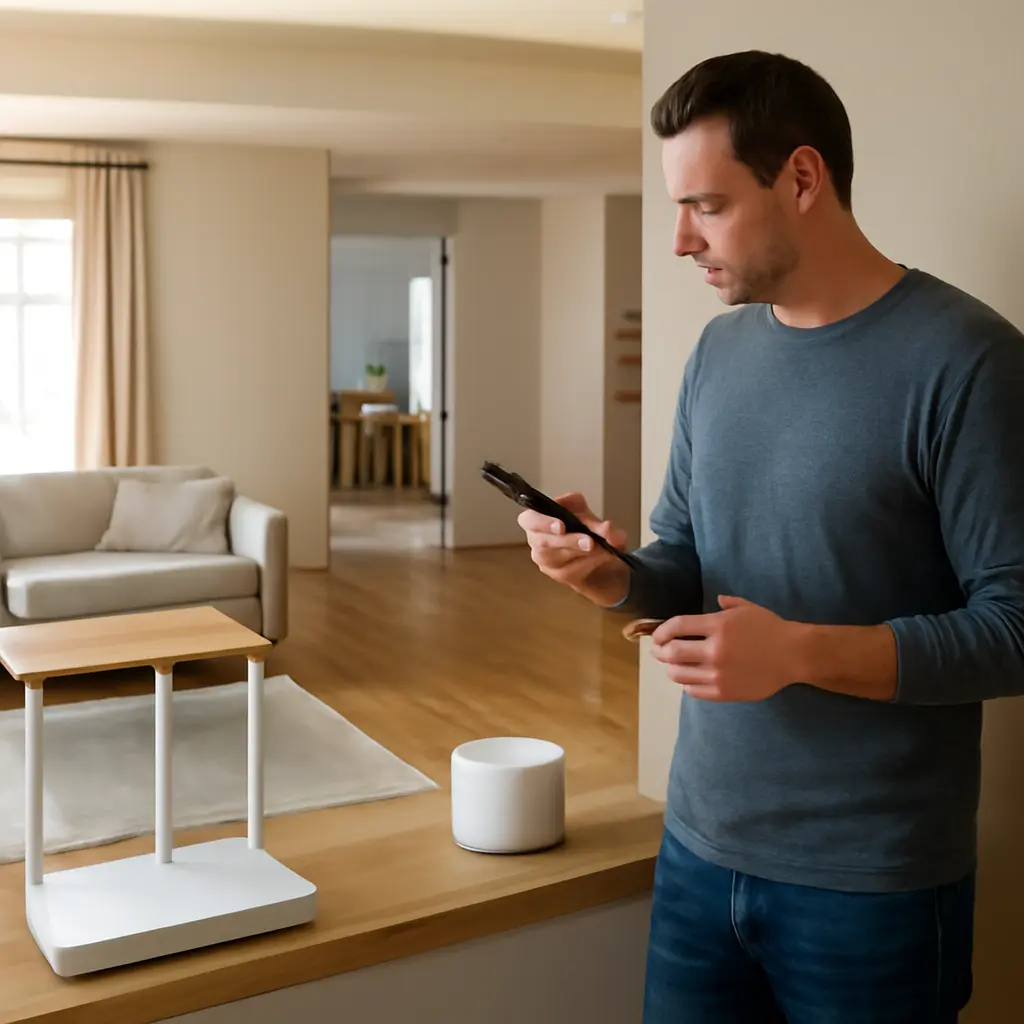
A mesh Wi-Fi network is a system of multiple coordinated access points that work together to provide wireless coverage across a home or workplace. Compared with a traditional setup built around one router, mesh can reduce dead zones and make it easier to extend coverage by adding nodes in different rooms. Its advantages are most noticeable in larger or irregularly shaped spaces; actual speeds still depend on the internet connection, equipment, placement, interference, and whether nodes use a wired or wireless backhaul. This article explains how mesh works, compares its coverage and performance with conventional routers and extenders, and outlines the costs, limitations, and practical choices involved.
Mesh Wi-Fi coverage and the traditional router setup
A traditional home network typically relies on one wireless router, which connects to the modem or gateway and broadcasts Wi-Fi from a single location. A mesh network instead uses a primary router or gateway alongside one or more satellite nodes. The nodes coordinate to provide a shared network across a wider area. The Federal Communications Commission (FCC) describes Wi-Fi as a way to connect devices wirelessly to a local network and the internet; neither a mesh system nor a router can provide internet service faster than the broadband connection feeding it.
The distinction matters as household connectivity needs grow. In its 2024 Internet Use Survey, Statistics Canada reported that 94% of Canadians aged 15 and older used the internet in 2022. That figure does not measure mesh adoption or prove that every home needs a multi-node system, but it illustrates why reliable connections across rooms—and for multiple devices—have become important. In the United States, the FCC’s broadband labels and availability information can help consumers compare the service plan that ultimately sets the network’s internet-speed ceiling.
How mesh networking improves whole-home Wi-Fi coverage
Mesh networking is a form of wireless local-area networking in which multiple access points cooperate to serve devices. In its Wi-Fi EasyMesh materials, the Wi-Fi Alliance defines a multi-access-point network architecture designed to help compatible devices from different vendors work together. In consumer systems, however, the features and cross-brand compatibility available depend on the products and software involved; a mesh kit’s nodes are often intended to work together as a specific system.
The main mesh components are the primary node, satellite nodes, and the backhaul—the connection carrying traffic between nodes. A client device may connect to a nearby node, while the system coordinates how network traffic reaches the gateway. This arrangement can improve coverage compared with relying on one centrally placed router, but it does not automatically increase the broadband plan’s speed or guarantee a stronger signal everywhere.
Coordinated nodes and roaming
A mesh node is an access point that extends the network’s coverage. Nodes generally share network settings, such as the Wi-Fi name and password, so users can move between rooms without manually selecting a different network. The Institute of Electrical and Electronics Engineers (IEEE) 802.11 standards include mechanisms relevant to network discovery and roaming, but the experience depends on the client device as well as the access points. A phone or laptop can sometimes remain attached to a weaker node longer than expected.
This coordinated design is useful in homes with thick walls, multiple floors, or a router location dictated by the broadband entry point. A node placed partway between the router and a weak-coverage area can relay connectivity farther into the home. Placement matters: a satellite node needs a usable connection back to the main node, so putting it inside the dead zone may simply give it a poor signal to repeat.
Backhaul: wired and wireless links
Backhaul is the link between mesh nodes. With Ethernet backhaul, nodes communicate over wired network cabling; with wireless backhaul, they use Wi-Fi radio capacity. Ethernet can provide a stable inter-node link and preserve more wireless airtime for client devices. Wireless backhaul is easier to install, but its performance depends on signal quality, distance, interference, and system design. Tri-band systems may reserve or dynamically allocate a radio for backhaul, though the exact behavior varies by model.
The distinction is especially relevant when several nodes are chained together. Each wireless hop can add overhead and reduce the capacity available to devices, although the amount varies and should not be treated as a fixed percentage. For demanding uses such as large file transfers or high-resolution streaming, wired backhaul is worth considering where cabling is practical.
Mesh network coverage versus a single router or Wi-Fi extender
A single router is often the simplest and least expensive choice for a compact home where its signal reaches the rooms that matter. Mesh is a coverage strategy for spaces where one access point cannot reliably serve the whole area. A Wi-Fi extender is another option: it receives a router’s signal and rebroadcasts it, often as a separate or shared network depending on the product. Extenders can help with a limited coverage gap, while mesh systems typically offer more unified management and coordinated roaming.
These approaches are not automatically ranked by speed. A high-quality router may outperform an entry-level mesh kit near the router, and an extender placed poorly may perform worse than either. The useful comparison is the connection quality in the rooms where people actually use the network, not just the headline speed printed on the box.
Coverage and dead-zone reduction
Coverage describes the area where devices can maintain a usable wireless connection. Mesh can reduce dead zones by distributing access points closer to remote rooms instead of asking one router’s signal to pass through every wall and floor. The U.S. National Institute of Standards and Technology (NIST) notes that radio propagation is affected by the environment; building materials, layout, and obstacles can alter signal strength. Consequently, manufacturers’ square-footage estimates are planning guides, not guarantees for every building.
A practical example is a two-story home with a router at one end of the ground floor. Adding a satellite near the stairway or upper landing may improve service upstairs, provided that the satellite itself receives a reliable signal. For a detached garage or distant outbuilding, a mesh node may not be sufficient; a wired access point or purpose-built outdoor link could be a better fit.
Speed, latency, and capacity
Speed is the rate at which data can be transferred; latency is the time data takes to travel between endpoints. Mesh can improve experienced performance in a weak-signal room by bringing an access point closer, but extra wireless hops or congestion can affect throughput and latency. The FCC emphasizes that advertised broadband speeds and actual performance can differ, and that Wi-Fi conditions inside the home are only one part of the connection.
A mesh system also does not create additional internet bandwidth. If a household’s broadband plan is the bottleneck, replacing a router with mesh will not remove that limit. Conversely, if the broadband connection is fast but distant devices receive a weak Wi-Fi signal, adding a well-placed node may make more of that service usable in the affected area.
Management and reliability
Many mesh products provide a phone app for setup, node placement guidance, guest access, and device management. A unified network name can simplify everyday use, and some systems can steer compatible devices between bands or access points. These are product features rather than universal guarantees: users should check update policies, security settings, parental controls, and whether advanced functions require a subscription.
Reliability also depends on the number and placement of nodes. More nodes are not always better; nodes placed too close together may add cost without meaningfully improving coverage, while nodes placed too far apart can struggle to communicate. A system’s status app can help diagnose weak links, but testing in the actual rooms and at busy times remains useful.
When a mesh system is worthwhile—and when it is not
Mesh is most compelling when a single router leaves persistent coverage gaps across several rooms or floors, or when users need a straightforward way to expand coverage. It may be unnecessary in a small apartment where a well-positioned router already provides stable service. Before buying, check whether the problem is Wi-Fi coverage, the broadband plan, an outdated device, or interference; each calls for a different remedy.
Choose mesh for distributed coverage needs
Consider mesh for larger or multi-story homes, long layouts, and spaces where the modem must stay near one edge of the building. Start with the smallest kit likely to cover the space, then add a node only if testing shows a remaining gap. Where Ethernet is already installed, select a system that supports wired backhaul if stable performance between nodes is a priority.
Keep a traditional router for simpler spaces
A single router can be the better choice when coverage is already satisfactory, budget is a priority, or advanced network settings are important. A wired access point can also be a strong alternative: it adds Wi-Fi in a remote area while connecting back to the main network over Ethernet. This can avoid the wireless relay limitations of some mesh arrangements, though it may take more setup.
Plan placement and security
For best results, place the main router in an open, central location when possible, and position satellites where they still have a good connection to the gateway. Avoid enclosing nodes in cabinets or placing them beside large sources of interference. Use current security settings supported by the equipment, change default administrator credentials, and install firmware updates. The U.S. Cybersecurity and Infrastructure Security Agency recommends keeping router software updated and using strong, unique passwords to reduce avoidable security risks.
A simple evaluation can compare the existing setup with a proposed one: measure connection quality in key rooms, note where video calls or downloads fail, and repeat the test after repositioning or adding a node. A chart of room-by-room signal strength, latency, and download performance can make the remaining weak spots visible. These measurements are more useful than relying solely on a product’s maximum theoretical speed.
Conclusion: mesh networks solve coverage problems, not every Wi-Fi problem
Mesh networks beat traditional single-router setups when the main challenge is reaching multiple parts of a home with consistent Wi-Fi. Coordinated nodes, flexible placement, and unified management can make coverage easier to extend, while wired backhaul can strengthen links between nodes. Yet mesh does not increase the speed of the broadband plan, guarantee seamless roaming, or eliminate interference; costs, device compatibility, and placement still matter.
Start by identifying where and why the connection fails. If the issue is a weak signal across several rooms, compare mesh with a wired access point and choose based on layout and budget. If the issue is the internet service itself, review the broadband plan before buying new Wi-Fi hardware. For further guidance, consult your router manufacturer’s placement and security documentation, the FCC’s consumer broadband resources, and CISA’s home-network security recommendations.
Sources: Wi-Fi Alliance, Wi-Fi CERTIFIED EasyMesh, https://www.wi-fi.org/discover-wi-fi/wi-fi-easymesh; IEEE, IEEE 802.11 Wireless Local Area Networks, https://www.ieee802.org/11/; Statistics Canada, Canadian Internet Use Survey, 2022, https://www150.statcan.gc.ca/n1/daily-quotidien/240530/dq240530a-eng.htm; Federal Communications Commission, Broadband Speed Guide, https://www.fcc.gov/consumers/guides/broadband-speed-guide; Federal Communications Commission, Broadband Consumer Labels, https://www.fcc.gov/broadbandlabels; National Institute of Standards and Technology, Electromagnetic Signal Attenuation in Construction Materials, https://www.nist.gov/; Cybersecurity and Infrastructure Security Agency, Securing Your Home Network, https://www.cisa.gov/news-events/news/securing-your-home-network.